How to Build an iOS App in 24 Hours with RORK (No Code Needed)
TL;DR
Step-by-step tutorial on how I built a complete iOS app, got it approved by Apple, and published it to the App Store in under 24 hours using RORK — with zero coding experience.
What Is RORK and Why Should You Care?
RORK is a no-code AI app builder that lets anyone create native iOS and Android apps by simply describing what they want. No coding. No design experience. You tell it what to build, and it builds it.
I was skeptical at first. I've been around tech long enough to know that most "no-code" tools produce garbage that never sees the light of day. But RORK actually delivered — I went from idea to an approved App Store listing in under 24 hours.
The App I Built
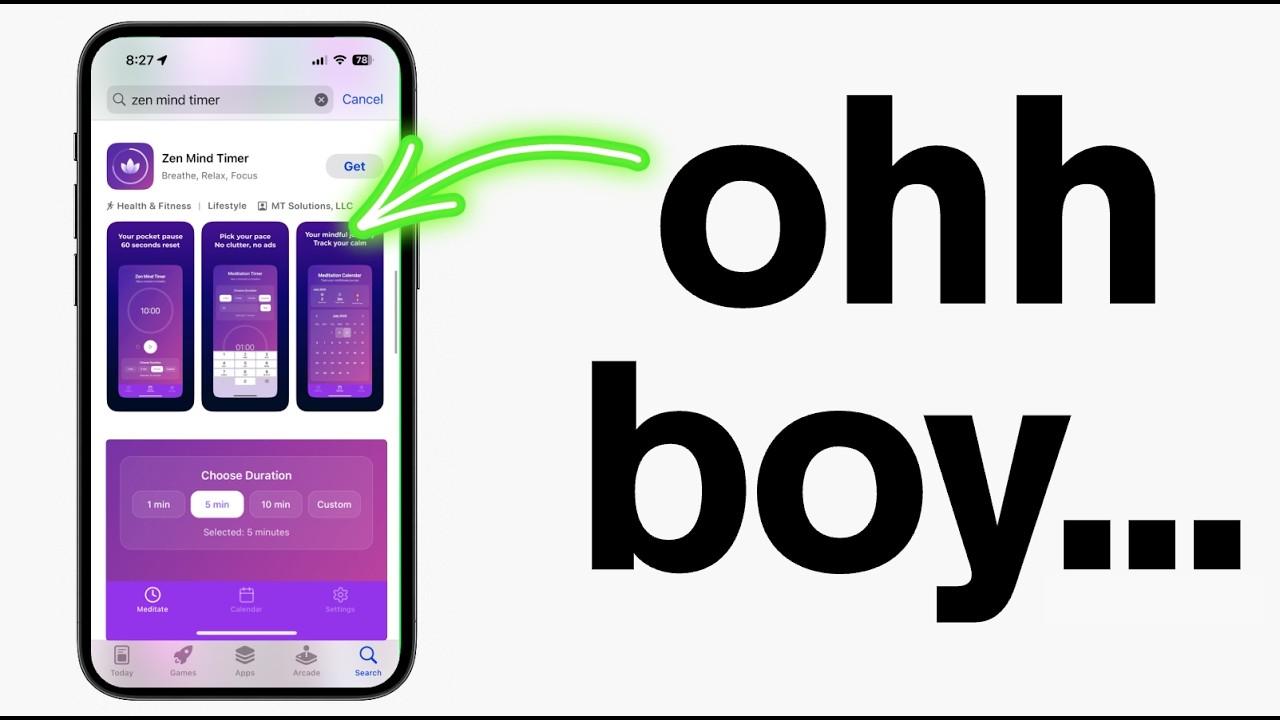
I wanted to test RORK with something real, not just a toy project. So I built a simple utility app that solves a genuine problem. The entire process took about 6 hours of actual work, spread across one day.
Here's exactly what I did, step by step.
Step 1: Come Up with the Idea
Don't overthink this. The best apps solve one specific problem really well. I looked at my own daily life and asked: what's annoying? What do I wish existed?
Pick something simple. Your first app doesn't need to change the world. It needs to ship.
Step 2: Describe It to RORK
This is where RORK shines. I opened the tool and described my app in plain English. No wireframes. No user stories. Just a clear description of what I wanted.
The key is being specific about features but not about implementation. Tell RORK *what* you want, not *how* to build it. Let the AI figure out the technical details.
Step 3: Review and Refine
RORK generated the first version in about 10 minutes. Was it perfect? No. But it was 80% there, which is incredible for zero effort.
I went through 3-4 rounds of refinements, each time describing what I wanted changed. The whole refinement process took about 2 hours.
Step 4: Set Up Expo for the Build
Once I was happy with the app, I needed to actually build it for iOS. RORK uses Expo under the hood, which makes this surprisingly painless.
You'll need an Apple Developer Account ($99/year) to publish to the App Store. If you're serious about this, it's worth the investment.
Step 5: Test with TestFlight
Before submitting to Apple, always test with TestFlight. This is Apple's official beta testing platform, and it lets you install your app on a real device before going live.
I found two small bugs during testing that I was able to fix quickly. Better to catch these before real users do.
Step 6: Submit to Apple
The App Store submission process used to be intimidating, but it's gotten much simpler. Fill out the app details, upload screenshots, write a description, and submit.
Apple approved my app within 12 hours. That's fast, even by their standards.
What I Learned
Building this app taught me several things that I think apply to anyone starting their AI app building journey.
First, speed matters more than perfection. If I had tried to make this app "perfect" before launching, I'd still be tweaking it. Instead, I shipped something real in 24 hours.
Second, the tools are genuinely good now. A year ago, what I did would have been impossible without coding skills. The AI has caught up to the point where non-technical people can build real, publishable apps.
Third, the App Store is more accessible than you think. Apple wants good apps. If your app works well and solves a real problem, they'll approve it.
Your Turn
Stop reading and start building. Seriously. Open RORK, describe an app you've been thinking about, and see what happens. The worst case scenario is you learn something. The best case? You have an app in the App Store this week.
If you want help along the way, that's exactly what AI Builders is for. We have 450+ people building apps together, sharing what works, and helping each other get unstuck.
Want to build this yourself?
Join 495+ non-technical builders in AI Builders. Start your free trial today.
Marcin Teodoru
AuthorHollywood filmmaker turned AI educator. I help non-technical people build real apps with AI — no coding required. 455K+ on TikTok, 37K+ on YouTube. Founder of AI Builders, the fastest-growing VibeCoding community in the world.
Want More Tutorials Like This?
Get AI app building guides, tool reviews, and tips delivered weekly. Join 10,000+ builders.
No spam. Unsubscribe anytime.
Stop Watching. Start Building.
AI Builders is the #1 community for non-technical people building real apps with AI. Step-by-step lessons. Weekly calls. Real results.
$49/mo after trial · Cancel anytime · 450+ members
Related Tutorials
How to Build Your First App with AI (Complete Beginner Guide)
The step-by-step guide for complete beginners who want to build their first app using AI. From picking an idea to launching — no coding experience required.

I Built an AI YouTube Thumbnail Generator (No Code)
How I built an AI-powered YouTube thumbnail generator using no code tools and Abacus AI. Upload inspiration, generate custom thumbnails in seconds.

I Vibe Coded a Full AI Hotel Booking Chatbot — Here's How
Step-by-step breakdown of how I built an AI-powered hotel booking chatbot for Zzzello.com using vibe coding. No coding experience needed — just natural language and the right tools.