Building a Custom CRM Dashboard With No Code AI
TL;DR
Discover how to streamline your workflow by creating a custom CRM dashboard without writing any code. This guide walks you through using Data Button and Firebase for a seamless setup.

Key Takeaways
- 1Building a CRM system doesn't require coding skills thanks to no code tools.
- 2The Data Button tool simplifies creating full stack applications with no coding.
- 3A well-crafted prompt is crucial to success with AI tools.
- 4Design tools like Dribbble help in crafting visually appealing dashboards.
- 5Firebase authentication integrates smoothly for secure CRM systems.
- 6No-code development opens the door to creating diverse applications.
Are you drowning in a sea of disorganized tasks and countless online tools? You're not alone. Today, I'll walk you through how I built a custom CRM dashboard tailored for creators, using no-code AI tools like Data Button. This isn't just about a fancy landing page—it's a full stack application with backend authentication, all built without writing a single line of traditional code.
Why a Custom CRM Dashboard?
"My life is an absolute mess, and I'm about to unfuck it in the next 25 minutes," I declared with determination. Many of us have thousands of tabs open, emails to respond to, and tons of ideas all jumbled up. A custom CRM dashboard can help put all your tasks, contacts, and creative ideas in one organized place. Whether you're a small business owner, an agency, or a one-person show, this solution will revolutionize your workflow.
Getting Started with No Code AI
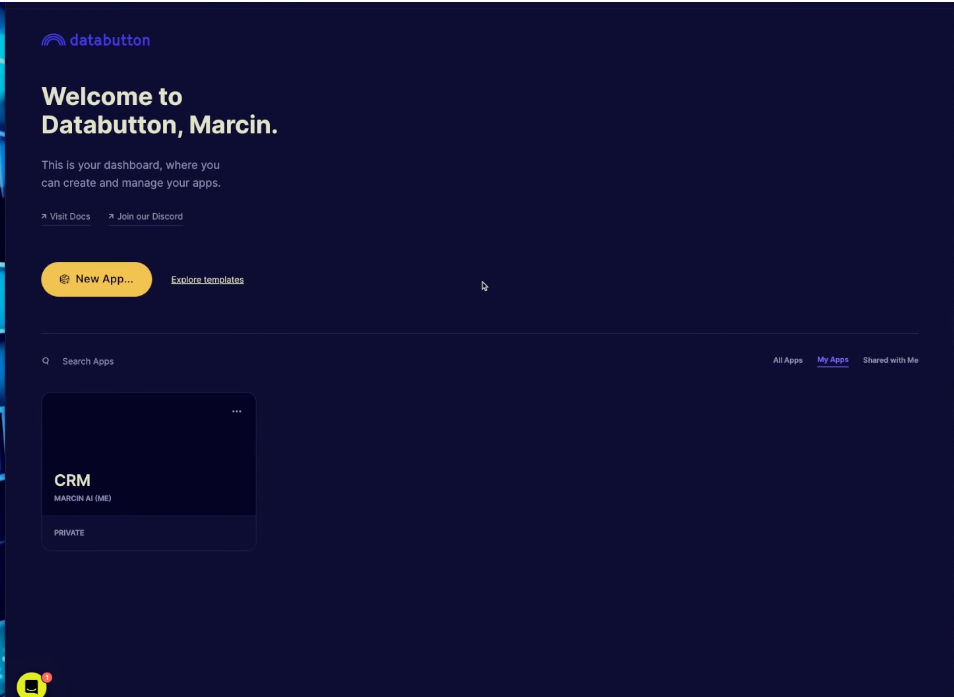
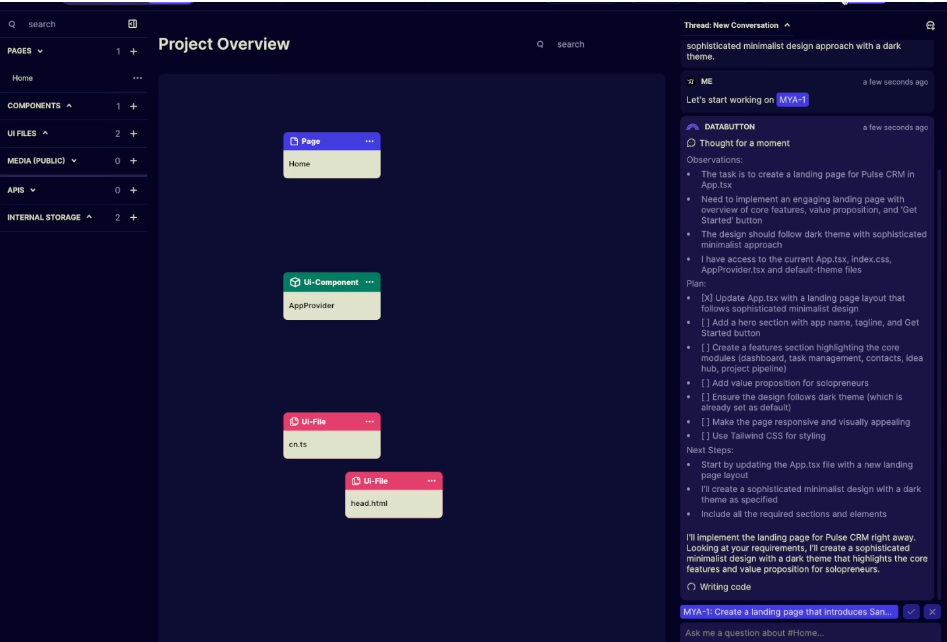
You might wonder, "but I'm not a developer." Stop right there—no coding experience is necessary. We'll use Data Button, a noode AI editor, which makes creating full stack applications a breeze. "We're not just talking about some landing page," I assured, "this is about backend login authentication, a full dashboard, and everything needed for a running CRM."
Crafting Your CRM's Identity
Naming your CRM is as crucial as the build itself. Using Deep Seek, I brainstormed names like Connectly and Pulse CRM—finally landing on Sane Flow, highlighting the calmness it promises to bring to chaotic workflows. The key is to provide "a good prompt" to these tools for effective results.
Step-by-Step Building
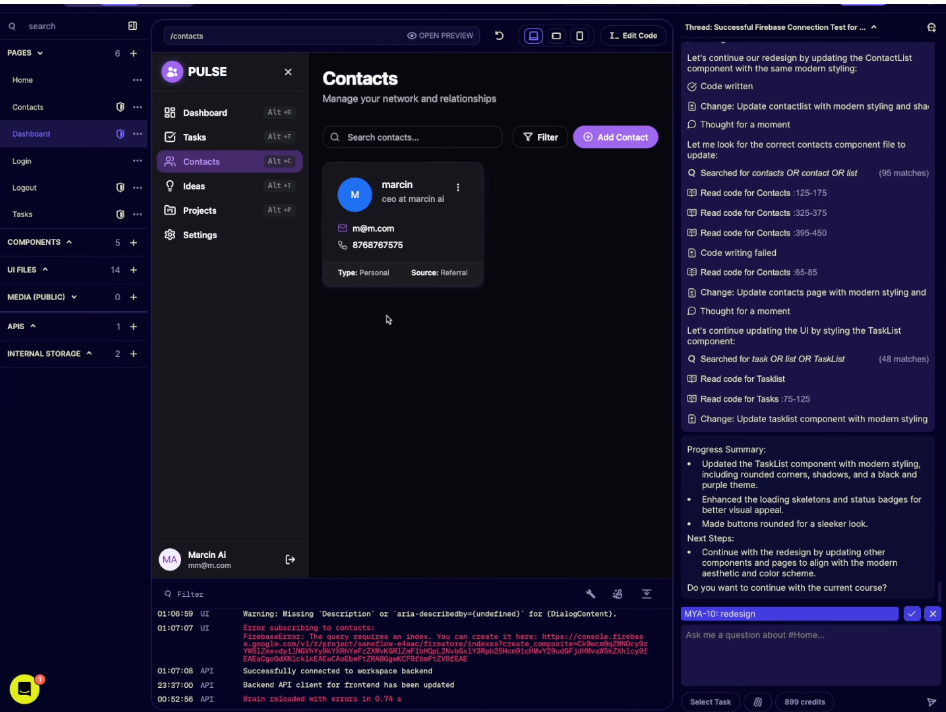
Our journey involves more than just the basics. We dive into setting up Firebase authentication, designing with tools like Dribbble—"Let's go purple and black," I said, choosing a tech vibe—and ensuring every component from tasks to contacts functions perfectly. "Create the app now and you're going to see step by step," I encouraged.
Final Thoughts on CRM and No Code
Creating a custom CRM using no code tools opens up immense possibilities, from managing tasks to full contact databases. "Once we have this working, we'll make it beautiful," I wrapped up. This process shows the power of no code development—"You can actually build pretty sophisticated products," I confessed. Whether you're starting or refining, tools like Data Button are game changers.
Want to build this yourself?
Join 495+ non-technical builders in AI Builders. Start your free trial today.
Frequently Asked Questions
Data Button is a no code AI editor allowing users to create full stack applications without traditional coding skills.
🔧 Tools Mentioned in This Video
Some links above are affiliate links. I may earn a commission at no extra cost to you.
Marcin Teodoru
AuthorHollywood filmmaker turned AI educator. I help non-technical people build real apps with AI — no coding required. 455K+ on TikTok, 37K+ on YouTube. Founder of AI Builders, the fastest-growing VibeCoding community in the world.
Want More Tutorials Like This?
Get AI app building guides, tool reviews, and tips delivered weekly. Join 10,000+ builders.
No spam. Unsubscribe anytime.
Stop Watching. Start Building.
AI Builders is the #1 community for non-technical people building real apps with AI. Step-by-step lessons. Weekly calls. Real results.
$49/mo after trial · Cancel anytime · 450+ members
Related Tutorials

No-Code App Development Software: 5 Buying Criteria and What It Really Costs
No-code app development software explained: the 5 buying criteria that decide your pick, plus verified 2026 prices for Bubble, Zite, Softr and FlutterFlow.
Best No-Code AI App Builders in 2026: Bubble vs Zite
The best no-code AI app builders in 2026, compared honestly. Bubble vs Zite — pros, cons, pricing, and who each one suits best, in plain language.
What Is No-Code AI? A Beginner's Guide
What is no-code AI? A beginner's guide to building apps with AI without writing code — how it works, who it's for, the best free tools, and the honest limits.

How to Set Up OpenClaw: Non-technical Users' Guide 2026
Set up OpenClaw in 15 minutes with our step-by-step guide. Learn what real people are building—from automated CRMs to AI personal assistants—plus security tips and resources.