Exploring the Power of Google AI Studio
TL;DR
Google AI Studio is here with powerful no code tools for creating projects. Dive into its features and see what's possible with integrated Google tech.
Google AI Studio has arrived, and it's making some bold promises. Today, I explored its features and tested its capabilities, which are built on strong Google infrastructure. The integration of V3 is one of the highlights, allowing you to build seamlessly on the platform. This feels revolutionary because Google provides us with both front-end and back-end capabilities. Essentially, everything is here, from domain management to server integrations.
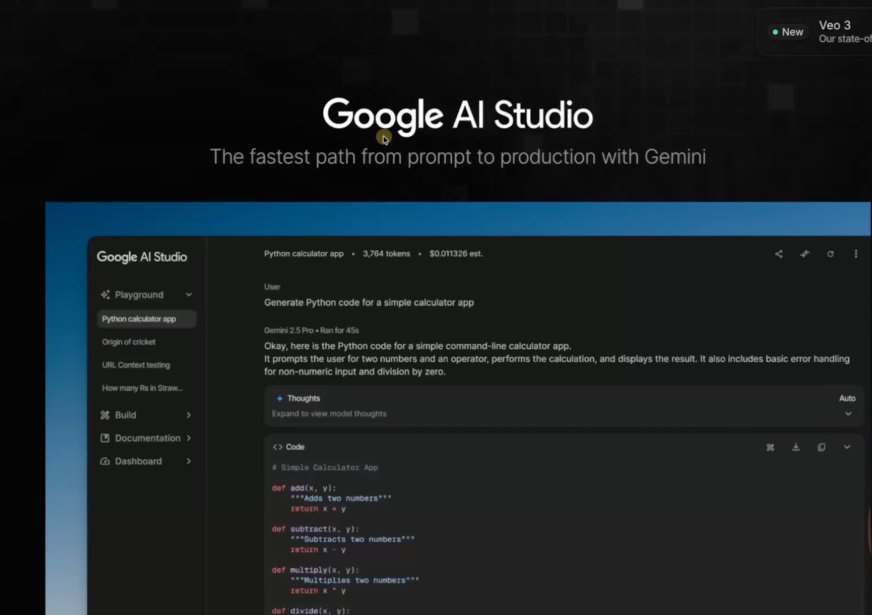
Dive Into Google Studio
Starting on the left side of Google Studio, you see the elegance and simplicity of the setup, which is much easier on the eyes. You can pick projects, select models, and even choose different languages. The platform even supports React TypeScript and seamlessly integrates with Gemini 2.5 Pro, similar to many web-based no code tools. It readily allows for deploying applications and provides a robust codebase.
Exploring New Project Features
I tried uploading a TikTok video and was impressed by the way Google AI Studio processed it. It efficiently pulled captions and rewrote the script into a single paragraph, which is quite cool. Another exciting feature was creating a haiku from the video content, showcasing the creative potential of no code tools.
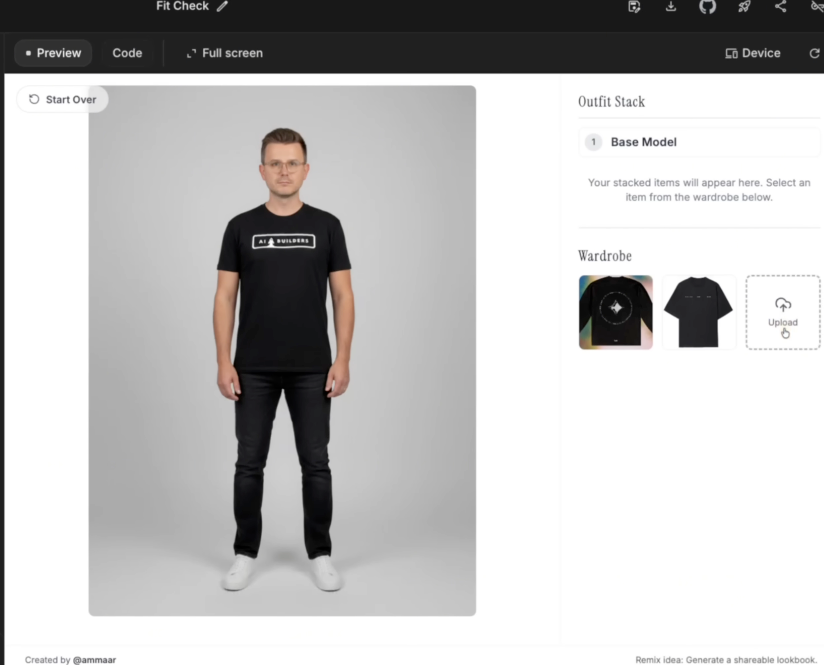
Virtual Fitting Room and More
One standout project was the virtual fitting room powered by Nano Banana. It was fascinating to see how you could upload an image and instantly receive a styled outfit. Not only is this applicable for fashion, but similar tech can be used in fields like real estate and construction. The ability to customize these simple products to fit various needs is impressive.
Building from Scratch
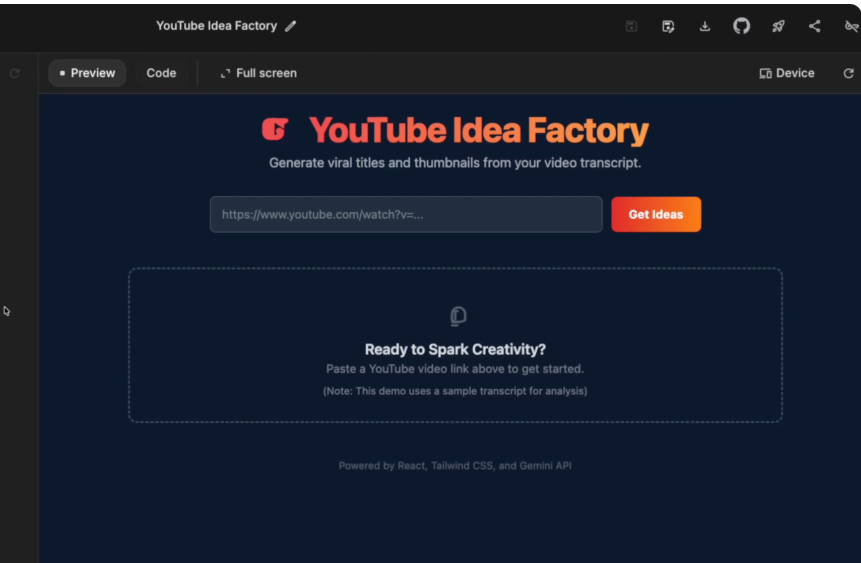
Eager to create, I started a project to help me brainstorm better YouTube titles and thumbnails. Google AI Studio's environment supports thorough integration with APIs, making it straightforward to generate ideas by analyzing video transcriptions.
The speed at which these processes are executed is another point of awe. Projects like 'YouTube Idea Factory' leverage Google's integrated product suite, reinforcing why I'm optimistic about Google outpacing its competitors in AI development.
Conclusion: Embracing Google's Vision
As Google continues to expand its toolkit with tools like Nano Banana for image generation, it seems poised to remain a leader in the AI space. If you are keen to build, our AI builders community provides support for both non-technical and technical developers. Google AI Studio is a promising tool, and I encourage you to start exploring its potential today!
Want to build this yourself?
Join 495+ non-technical builders in AI Builders. Start your free trial today.
Marcin Teodoru
AuthorHollywood filmmaker turned AI educator. I help non-technical people build real apps with AI — no coding required. 455K+ on TikTok, 37K+ on YouTube. Founder of AI Builders, the fastest-growing VibeCoding community in the world.
Want More Tutorials Like This?
Get AI app building guides, tool reviews, and tips delivered weekly. Join 10,000+ builders.
No spam. Unsubscribe anytime.
Stop Watching. Start Building.
AI Builders is the #1 community for non-technical people building real apps with AI. Step-by-step lessons. Weekly calls. Real results.
$49/mo after trial · Cancel anytime · 450+ members
Related Tutorials

No-Code App Development Software: 5 Buying Criteria and What It Really Costs
No-code app development software explained: the 5 buying criteria that decide your pick, plus verified 2026 prices for Bubble, Zite, Softr and FlutterFlow.
Best No-Code AI App Builders in 2026: Bubble vs Zite
The best no-code AI app builders in 2026, compared honestly. Bubble vs Zite — pros, cons, pricing, and who each one suits best, in plain language.
What Is No-Code AI? A Beginner's Guide
What is no-code AI? A beginner's guide to building apps with AI without writing code — how it works, who it's for, the best free tools, and the honest limits.

How to Set Up OpenClaw: Non-technical Users' Guide 2026
Set up OpenClaw in 15 minutes with our step-by-step guide. Learn what real people are building—from automated CRMs to AI personal assistants—plus security tips and resources.