Exploring the Power of Google's New AI Tools
TL;DR
Google's recent AI developments include the powerful Gemini CLI and Imagen 4 image generation tools, available for free. Learn how to leverage these tools for coding and creative projects.

Key Takeaways
- 1Google AI's new features are available for free, with special offers for students.
- 2The Gemini CLI integrates with Google Workspace for efficient productivity.
- 3Imagen 4 provides high-quality image generation at incredible speeds.
- 4The ability to automate workflows with Gemini CLI enhances creative and productive processes.
- 5Using Google AI's tools, developers can seamlessly switch between creative and computational tasks.
Google has been rolling out some impressive new AI features, and today I'm diving into three of the latest: the innovative Imagen 4, task scheduling with Gemini, and the Gemini CLI for coding. All these tools are available at no cost, but there are some options for extended benefits if you're a student.
Unleashing the Power of Google AI
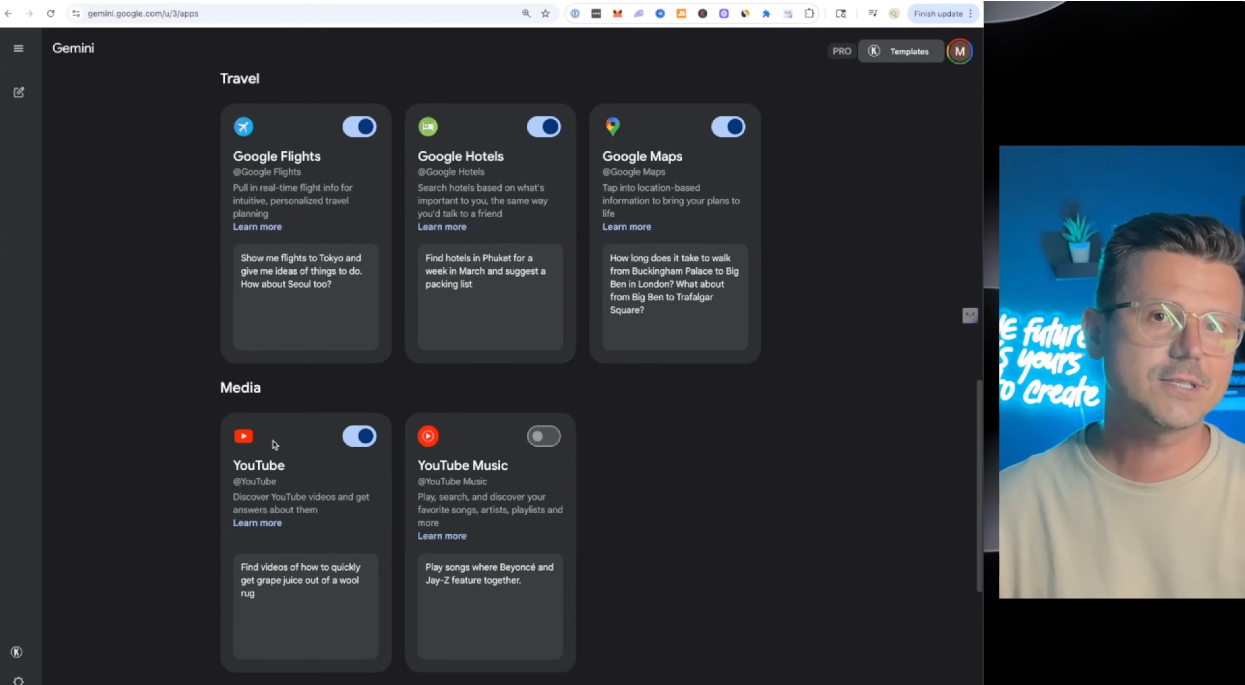
When I first accessed Google AI's new features, I made sure to check out their Pro plan, which is free for the first month. College students get an extra bonus of 15 months free. For those into coding, the Gemini CLI is a game-changer, connecting directly to Google Workspace, Gmail, and more. You can set it up to pull specific information at set times, track YouTube analytics, and even manage your coding projects more efficiently.
Automate Your Workflow with Gemini CLI
Gemini CLI is simply powerful. Using it, I connected my Google Workspace and configured it to scan my emails, distilling them down to topics such as collaborations. This system can save hours by delivering a morning summary of crucial information. Furthermore, the CLI offers amazing capabilities like creating bots and streamlining work processes, whether you are in sales, development, or content creation.
Transform Image Generation with Imagen 4
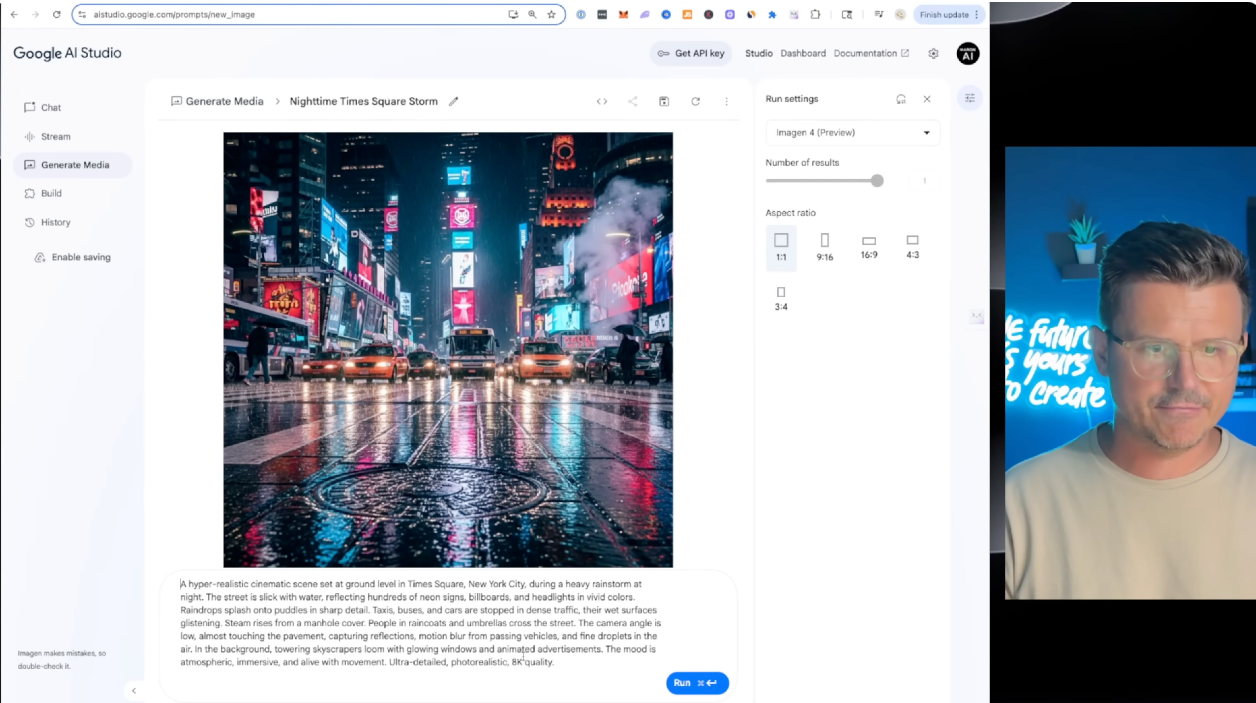
I'm blown away by Imagen 4's image generation capabilities. The rich detail and speed of generating high-quality images are phenomenal. Whether you're creating a cinematic scene or a close-up botanical image, Imagen delivers professional results quickly, making it ideal for creatives and businesses that need rapid prototyping.
Building with Google's Coding Tools
The introduction of the Gemini CLI extends beyond just productivity hacks; it's a robust tool for coding. Integrating it with an IDE like Cursor allows it to seamlessly control your terminal and offers advanced automation tasks. I experimented with building a smart home energy optimizer and transitioning to creating a crypto price tracker—all within a focused workflow guided by the CLI's intuitive prompts.
Google continues to push boundaries by empowering us with AI tools that simplify both creative and computational tasks. From the impressive image generation of Imagen 4 to the essential functionalities of the Gemini CLI, there's much for developers and content creators to explore and utilize.
Want to build this yourself?
Join 495+ non-technical builders in AI Builders. Start your free trial today.
Frequently Asked Questions
Sign up for Google AI Pro and explore Gemini CLI. Students get extra benefits like a free 15-month subscription.
Marcin Teodoru
AuthorHollywood filmmaker turned AI educator. I help non-technical people build real apps with AI — no coding required. 455K+ on TikTok, 37K+ on YouTube. Founder of AI Builders, the fastest-growing VibeCoding community in the world.
Want More Tutorials Like This?
Get AI app building guides, tool reviews, and tips delivered weekly. Join 10,000+ builders.
No spam. Unsubscribe anytime.
Stop Watching. Start Building.
AI Builders is the #1 community for non-technical people building real apps with AI. Step-by-step lessons. Weekly calls. Real results.
$49/mo after trial · Cancel anytime · 450+ members
Related Tutorials

No-Code App Development Software: 5 Buying Criteria and What It Really Costs
No-code app development software explained: the 5 buying criteria that decide your pick, plus verified 2026 prices for Bubble, Zite, Softr and FlutterFlow.
Best No-Code AI App Builders in 2026: Bubble vs Zite
The best no-code AI app builders in 2026, compared honestly. Bubble vs Zite — pros, cons, pricing, and who each one suits best, in plain language.
What Is No-Code AI? A Beginner's Guide
What is no-code AI? A beginner's guide to building apps with AI without writing code — how it works, who it's for, the best free tools, and the honest limits.

How to Set Up OpenClaw: Non-technical Users' Guide 2026
Set up OpenClaw in 15 minutes with our step-by-step guide. Learn what real people are building—from automated CRMs to AI personal assistants—plus security tips and resources.