iOS App Store Launch with No Code Tools
TL;DR
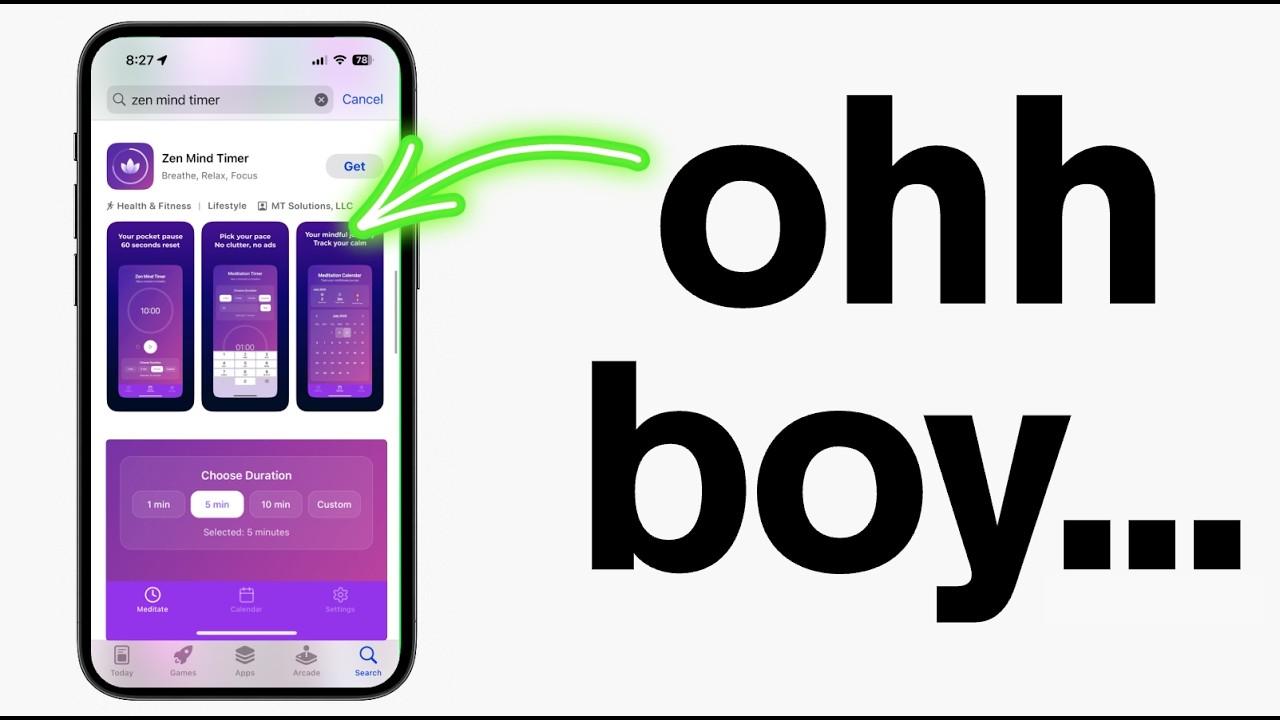
In this post, I guide you through launching a no code app on the iOS App Store. Learn how I developed Zen Mind Timer in 24 hours!
Key Takeaways
- 1Zen Mind Timer app was built and submitted to the iOS App Store in 24 hours using ROR and Expo.
- 2Understanding Apple's strict guidelines, particularly regarding privacy policies, is crucial for approval.
- 3Expo connects your app to TestFlight for testing within the Apple ecosystem.
- 4An external landing page for your app is essential for App Store legitimacy.
- 5Following structured steps helps ensure a smooth app submission process.
Want to launch an app in the iOS App Store? I'll show you how you can do it without any coding skills. In just 24 hours, I created and submitted an app called Zen Mind Timer, now available in app stores worldwide. This process was simple and involved using ROR framework and Expo for the Expo TestFlight submission.
Understanding No Code App Development
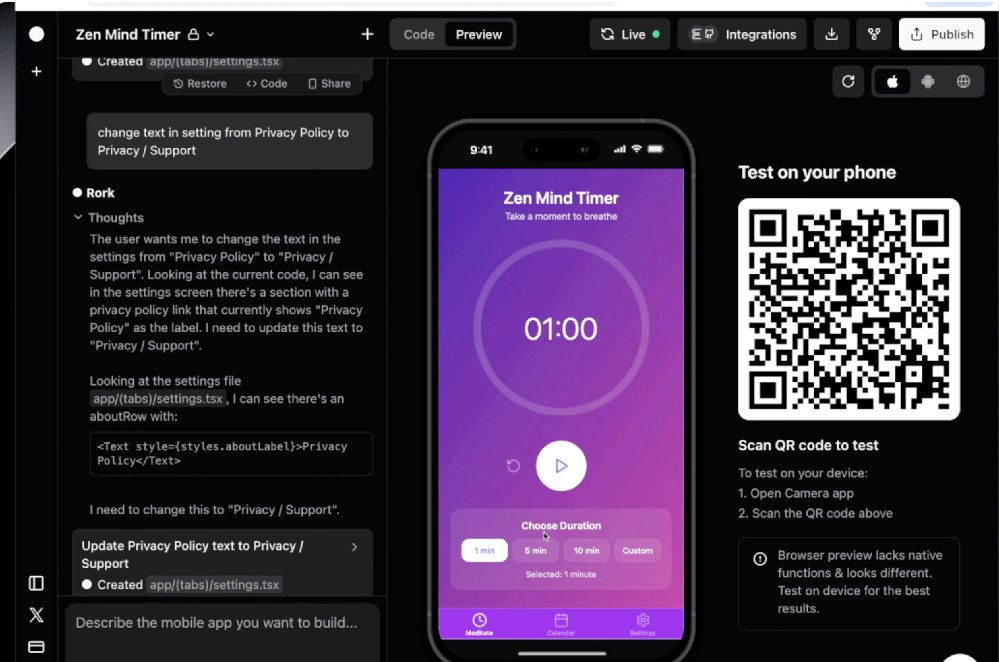
The Zen Mind Timer app is a meditation timer that tracks sessions and has features like sound and vibration settings. Developing with ROR is straightforward. After building the app rapidly, I used Expo for the TestFlight submission. Without these tools, creating an app could have taken significantly longer.
Preparing for App Store Submission
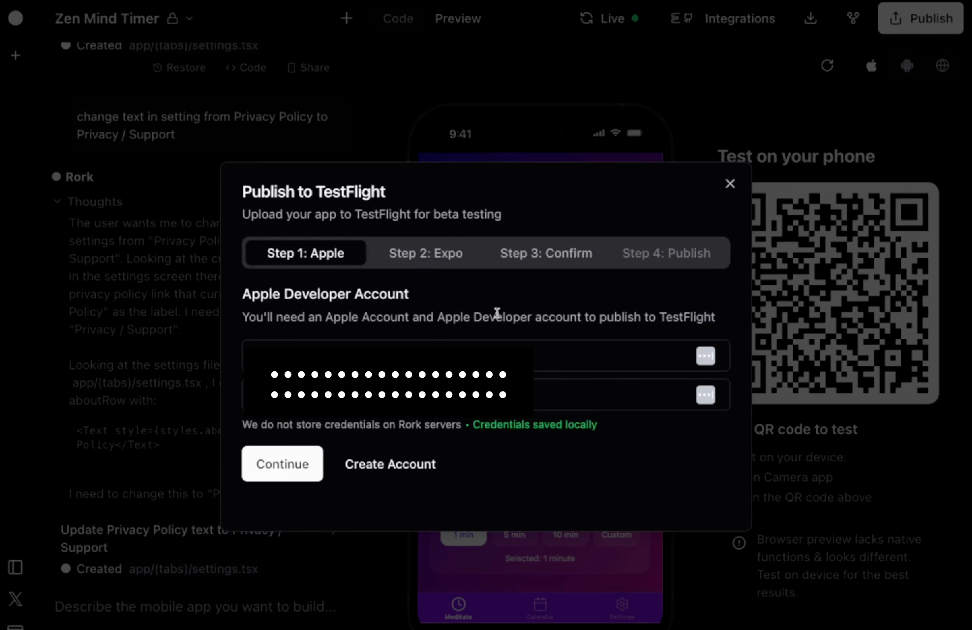
Submitting to the iOS App Store means preparing all documentation meticulously. Apple requires a comprehensive privacy policy with contact information. Your App Store listing should have accurate details and screenshots. Always double-check that your app meets all guidelines to avoid rejection.
Using Expo and TestFlight
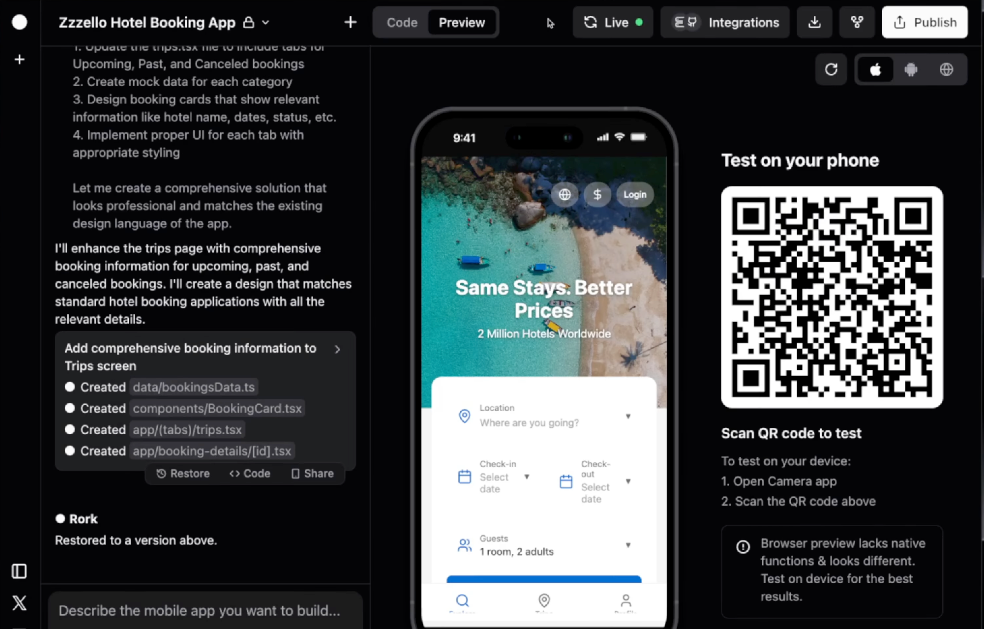
Expo plays a key role in preparing apps for the Apple ecosystem. By connecting through Expo, developers can move their projects into TestFlight, allowing for real-time testing and feedback with minimal hassle. Always ensure your device is connected for debugging purposes.
Finalizing and Launching Your App
Creating a landing page enhances your app's legitimacy with Apple. An external URL confirms you're a serious developer, not just launching test apps. Upon completion, the app was live on the App Store, showcasing how efficient no code app development can be when using the right tools like ROR and Expo.
Bringing an app from concept to the App Store is achievable and rewarding. Using no code tools streamlines the process significantly, enabling you to focus more on design and concept. Embrace these technologies, follow the steps meticulously, and you can see your app live in the store too!
Want to build this yourself?
Join 495+ non-technical builders in AI Builders. Start your free trial today.
Frequently Asked Questions
Zen Mind Timer was developed in just 24 hours from idea to app store submission.
🔧 Tools Mentioned in This Video

Other
Build real mobile apps, fast. Now with Swift Native IOS Support
Productivity
Some links above are affiliate links. I may earn a commission at no extra cost to you.
Marcin Teodoru
AuthorHollywood filmmaker turned AI educator. I help non-technical people build real apps with AI — no coding required. 455K+ on TikTok, 37K+ on YouTube. Founder of AI Builders, the fastest-growing VibeCoding community in the world.
Want More Tutorials Like This?
Get AI app building guides, tool reviews, and tips delivered weekly. Join 10,000+ builders.
No spam. Unsubscribe anytime.
Stop Watching. Start Building.
AI Builders is the #1 community for non-technical people building real apps with AI. Step-by-step lessons. Weekly calls. Real results.
$49/mo after trial · Cancel anytime · 450+ members
Related Tutorials

No-Code App Development Software: 5 Buying Criteria and What It Really Costs
No-code app development software explained: the 5 buying criteria that decide your pick, plus verified 2026 prices for Bubble, Zite, Softr and FlutterFlow.
Best No-Code AI App Builders in 2026: Bubble vs Zite
The best no-code AI app builders in 2026, compared honestly. Bubble vs Zite — pros, cons, pricing, and who each one suits best, in plain language.
What Is No-Code AI? A Beginner's Guide
What is no-code AI? A beginner's guide to building apps with AI without writing code — how it works, who it's for, the best free tools, and the honest limits.

How to Set Up OpenClaw: Non-technical Users' Guide 2026
Set up OpenClaw in 15 minutes with our step-by-step guide. Learn what real people are building—from automated CRMs to AI personal assistants—plus security tips and resources.