Exploring Lovable 2: No Code AI Revolution
TL;DR
Lovable 2 is here with features like dev mode, edit mode, and an easy domain purchase integration. These tools aim to streamline no-code AI projects significantly. Let's dive into how these features can benefit your next project.

Key Takeaways
- 1Lovable 2 introduces 'Dev mode' for deeper code access.
- 2Edit mode allows live updates without spending additional credits.
- 3Team collaboration is enhanced with new inviting options.
- 4Domain management is simplified with in-tool purchasing.
- 5These features collectively boost no code AI project efficiency.
Lovable 2 has just come out, and I've had the pleasure of diving into its new, exciting features. This no code AI tool is packed with updates that you're going to want to explore. Let's spin the wheel of possibilities together and see what we can create!
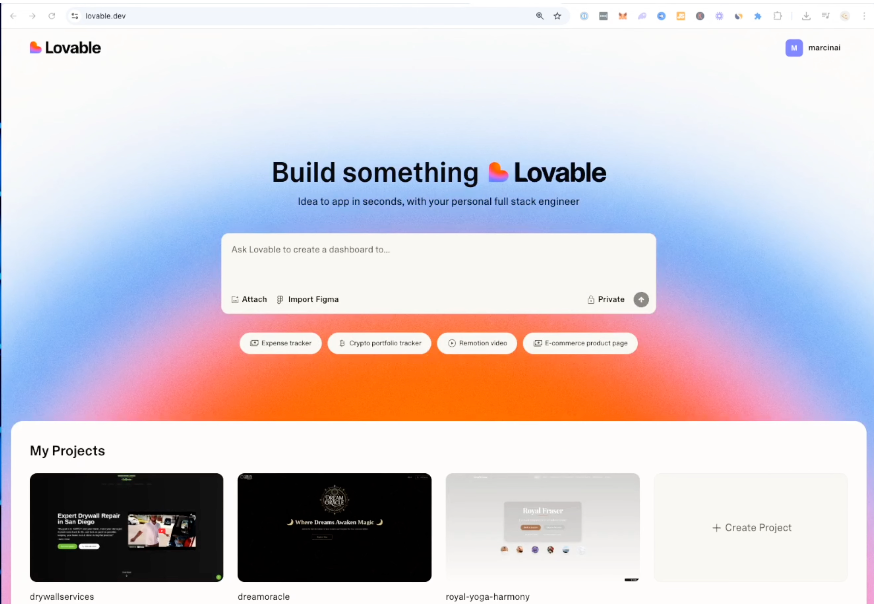
Exploring Dev Mode in Lovable 2
"Dev mode is where we can really get our hands dirty," I mentioned as I clicked into the development environment. This feature lets you dive into the codebase like never before, allowing for real-time adjustments that the no code editor simply doesn't provide. It's a major step forward for code-savvy users wanting more control over their projects.
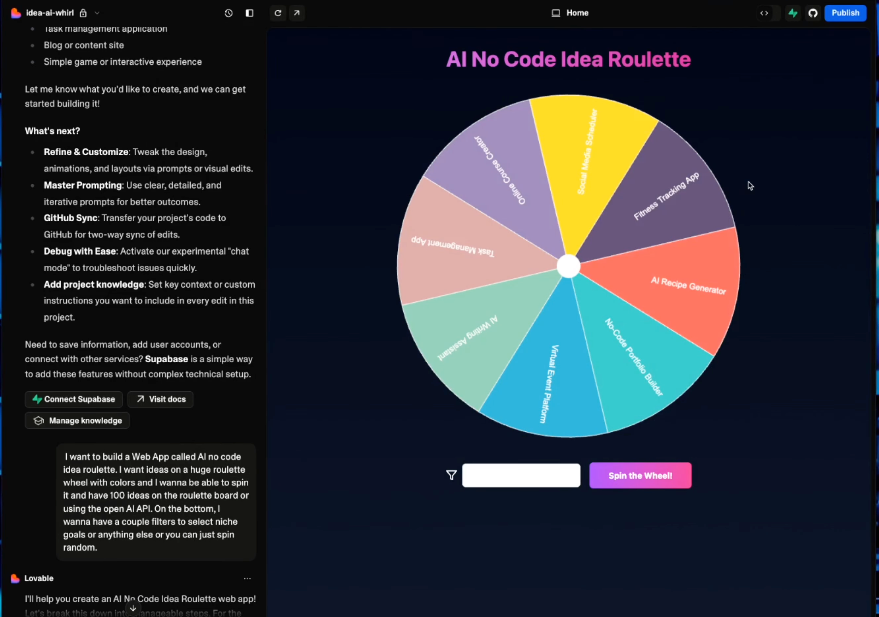
Effortless Edits with Edit Mode
Edit mode is a true game-changer. The ability to make live updates without burning through credits is huge. It addresses one of the most frustrating drawbacks of previous versions. "Check this out, no more wasted tokens," I emphasized, showcasing how you can modify text and layout directly. These seamless changes are crucial for efficiency and cost-saving.
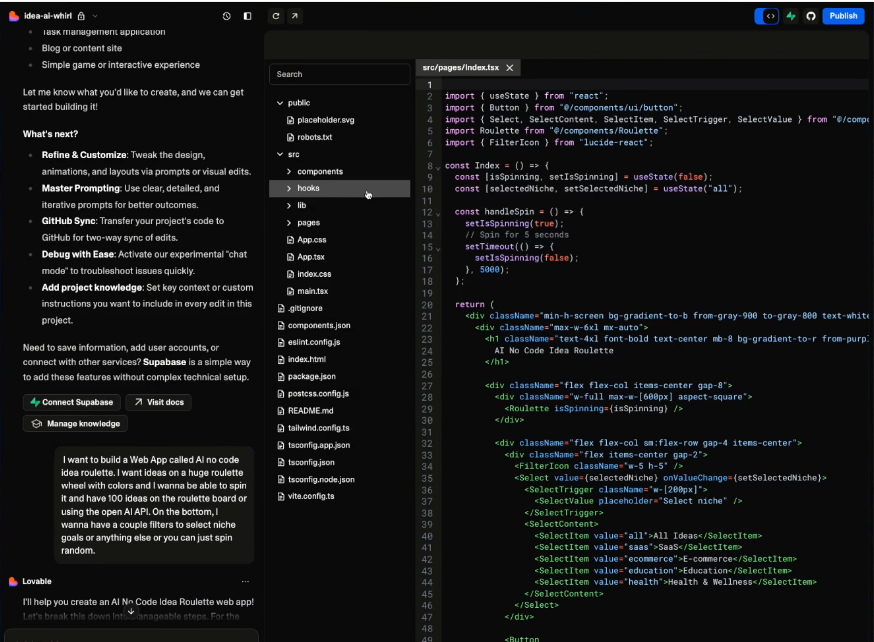
Simplifying Team Collaboration
Although I couldn't dive into the Teams feature deeply this time, its premise promises streamlined teamwork. Inviting collaborators to your project has been revamped to foster creativity across disciplines, from designers to developers.
One-Click Domain Purchase
One of my favorites is the new domain management system—purchasing domains directly through Lovable 2. This removes the hassle of dealing with DNS configurations separately, allowing you to "focus more on building and less on logistics," I noted. It's a smooth process that enhances your workflow speed considerably.
Lovable 2 offers potent tools for your no code AI projects. Whether you're a seasoned developer looking to fine-tune your project or a newcomer excited to get started, its suite of features ensures you're equipped for success. Try it out, and you'll see why this no code AI suite is a game-changer.
Want to build this yourself?
Join 495+ non-technical builders in AI Builders. Start your free trial today.
Frequently Asked Questions
Dev mode allows developers to access and modify the project codebase directly in real-time, enhancing control over the project.
🔧 Tools Mentioned in This Video
Some links above are affiliate links. I may earn a commission at no extra cost to you.
Marcin Teodoru
AuthorHollywood filmmaker turned AI educator. I help non-technical people build real apps with AI — no coding required. 455K+ on TikTok, 37K+ on YouTube. Founder of AI Builders, the fastest-growing VibeCoding community in the world.
Want More Tutorials Like This?
Get AI app building guides, tool reviews, and tips delivered weekly. Join 10,000+ builders.
No spam. Unsubscribe anytime.
Stop Watching. Start Building.
AI Builders is the #1 community for non-technical people building real apps with AI. Step-by-step lessons. Weekly calls. Real results.
$49/mo after trial · Cancel anytime · 450+ members
Related Tutorials

No-Code App Development Software: 5 Buying Criteria and What It Really Costs
No-code app development software explained: the 5 buying criteria that decide your pick, plus verified 2026 prices for Bubble, Zite, Softr and FlutterFlow.
Best No-Code AI App Builders in 2026: Bubble vs Zite
The best no-code AI app builders in 2026, compared honestly. Bubble vs Zite — pros, cons, pricing, and who each one suits best, in plain language.
What Is No-Code AI? A Beginner's Guide
What is no-code AI? A beginner's guide to building apps with AI without writing code — how it works, who it's for, the best free tools, and the honest limits.

How to Set Up OpenClaw: Non-technical Users' Guide 2026
Set up OpenClaw in 15 minutes with our step-by-step guide. Learn what real people are building—from automated CRMs to AI personal assistants—plus security tips and resources.