Quick and Secure Openclaw Setup Tutorial
TL;DR
Learn how to securely set up Openclaw using Emergent integration in under five minutes. Perfect for those looking to enhance their AI assistant experience!
Key Takeaways
- 1Openclaw setup with Emergent integration is secure and web-based.
- 2Emergent integration offers 32-bit security with billions of URL combinations.
- 3No need for manual API key integration; use Emergent tokens.
- 4First-user security: first user logged in becomes the admin.
- 5Integration with Telegram bot using BotFather tool is simple.
- 6Setup can be completed in approximately five minutes.
- 7Vibe coding is fully supported with containerized environments.
Setting up Openclaw, a revolutionary AI assistant solution, can seem daunting at first due to its complexity. Fortunately, with the Emergent integration, it becomes a quick, secure, and simple task. Let me walk you through the process.
Setting Up Openclaw with Emergent
The magic begins by simply selecting the Moldbot and choosing "CL cloud 4.5 Opus." Emergent handles the integration, ensuring that all security measures for the AI assistant are in place. It's web-based, so you won't have to worry about local installations. Once you click "go," the system starts setting up the environments, securing everything with a 32-bit security layer which generates billions of combinations for URL security.
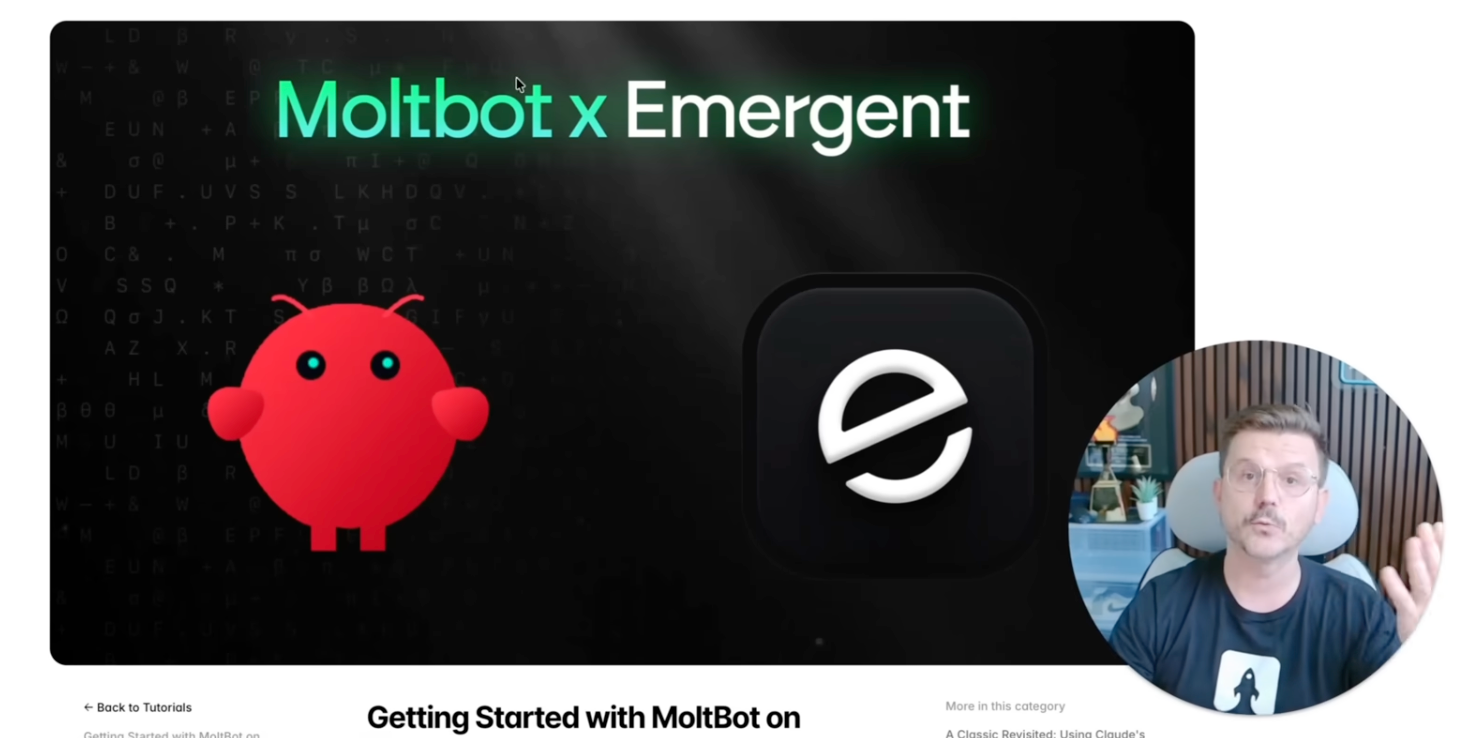
Benefits of Using the Emergent Setup
One of the standout features of using Emergent is the seamless integration it offers. You won't need to juggle API keys. Instead, you can work with Emergent's secure tokens on a pay-as-you-go basis. It's as simple as setting up devices like OpenAI or Enthropic without the need for API hassles. Instant setup and secure login authentication make this solution a winner, especially considering its focus on first-user admin security.
Adjusting for Vibe Coding and AI Projects
You can seamlessly transition into vibe coding endeavors with this setup. With Emergent’s platform, all the APIs and systems run inside protected containers, ensuring a secure online environment without the risk of vulnerabilities often found in local setups.
Fine-Tuning and Connecting with Telegram Bot Integration
A vital part of this setup is integrating with messaging platforms like Telegram, using the BotFather tool to create bots that can manage AI operations remotely. Simply enter your Telegram API key in your control UI and continue with setup with unprecedented ease and security.
In just about seven minutes, with this tutorial, you can have your Openclaw AI assistant up and running, enhanced with vibe coding capabilities. By using Emergent, you minimize potential risks and maximize efficiency, all while providing persistent memory through server hosting. Get started today and see the difference this can make in securing your AI environment!
Want to build this yourself?
Join 495+ non-technical builders in AI Builders. Start your free trial today.
Frequently Asked Questions
The setup uses 32-bit security with billions of possible URL combinations to ensure a high level of protection.
🔧 Tools Mentioned in This Video

Some links above are affiliate links. I may earn a commission at no extra cost to you.
Marcin Teodoru
AuthorHollywood filmmaker turned AI educator. I help non-technical people build real apps with AI — no coding required. 455K+ on TikTok, 37K+ on YouTube. Founder of AI Builders, the fastest-growing VibeCoding community in the world.
Want More Tutorials Like This?
Get AI app building guides, tool reviews, and tips delivered weekly. Join 10,000+ builders.
No spam. Unsubscribe anytime.
Stop Watching. Start Building.
AI Builders is the #1 community for non-technical people building real apps with AI. Step-by-step lessons. Weekly calls. Real results.
$49/mo after trial · Cancel anytime · 450+ members
Related Tutorials

No-Code App Development Software: 5 Buying Criteria and What It Really Costs
No-code app development software explained: the 5 buying criteria that decide your pick, plus verified 2026 prices for Bubble, Zite, Softr and FlutterFlow.
Best No-Code AI App Builders in 2026: Bubble vs Zite
The best no-code AI app builders in 2026, compared honestly. Bubble vs Zite — pros, cons, pricing, and who each one suits best, in plain language.
What Is No-Code AI? A Beginner's Guide
What is no-code AI? A beginner's guide to building apps with AI without writing code — how it works, who it's for, the best free tools, and the honest limits.

How to Set Up OpenClaw: Non-technical Users' Guide 2026
Set up OpenClaw in 15 minutes with our step-by-step guide. Learn what real people are building—from automated CRMs to AI personal assistants—plus security tips and resources.