Ultimate Guide to TikTok Live Studio on Mac
TL;DR
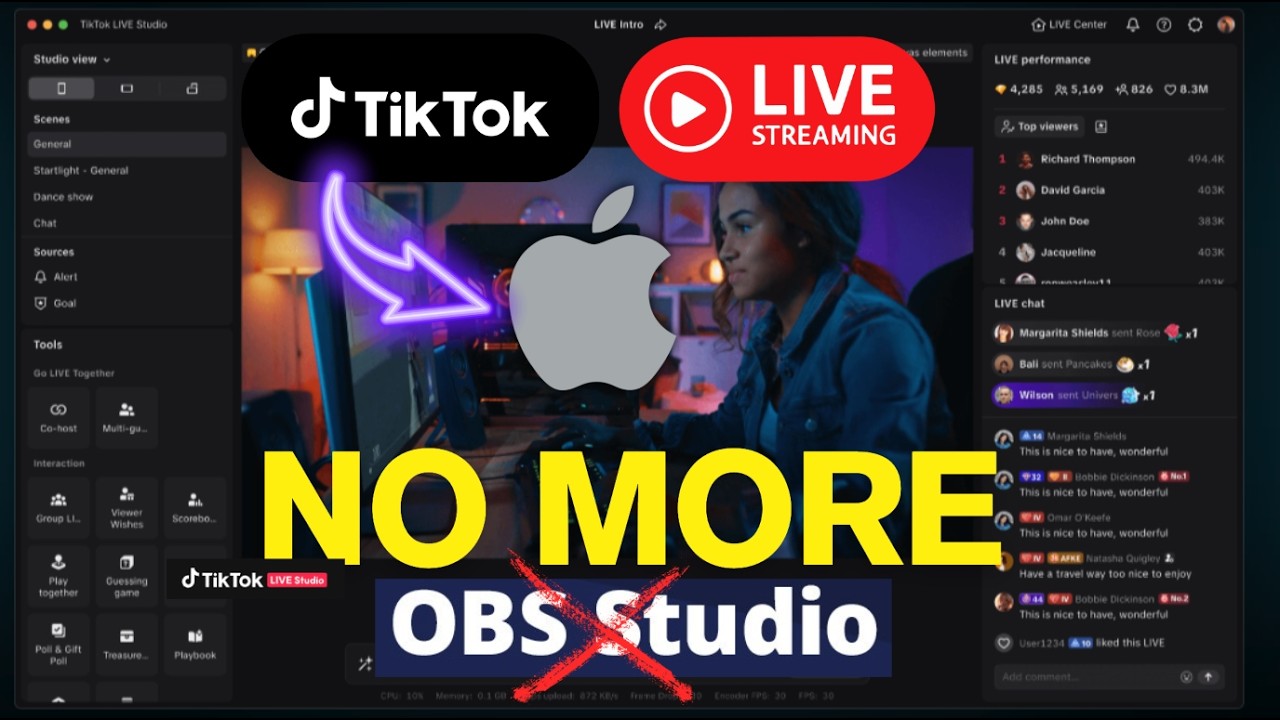
TikTok Live Studio is now available for Mac, making it easier than ever to stream directly on TikTok. Follow my guide to set it up effortlessly.
Key Takeaways
- 1TikTok Live Studio is available for Mac.
- 2Sign in at tik tok.com/studio for setup.
- 3Everything integrates into one dashboard.
- 4Easily customize your streaming layout.
- 5Add interactive links for enhanced user engagement.
TikTok Live Studio is finally here for Mac users, and it's a game-changer for streaming fans. No more relying on OBS or other tricky setups. I'm excited to walk you through getting set up fast!
Setting Up TikTok Live Studio
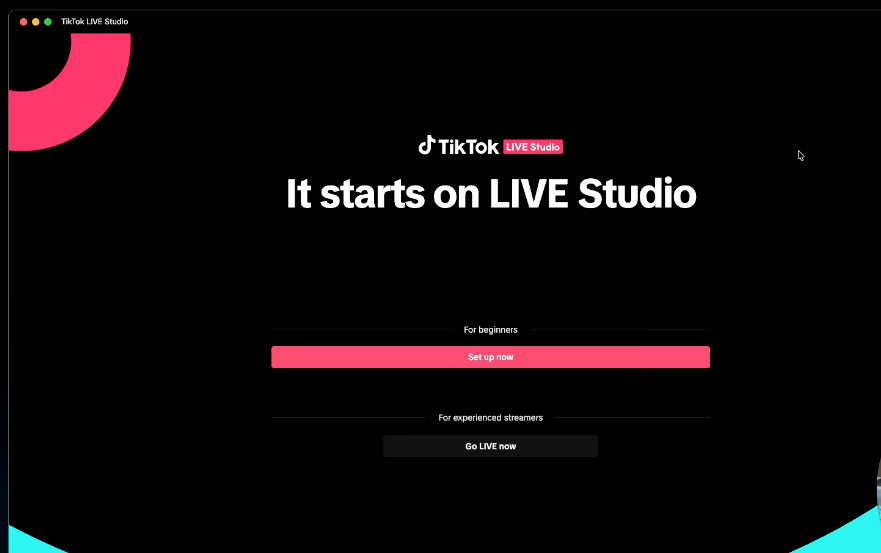
Once you download the TikTok Live Studio application on your Mac from [tik tok.com/studio](https://tik tok.com/studio), sign in to begin setup. It’s user-friendly—something we've all been waiting for. You’ll find everything integrated into a single dashboard, which is a relief after dealing with OBS for years. Now, check your quality and hardware compatibility. Apple M1 users are in luck as it's fully supported.
Designing Your Streaming Layout
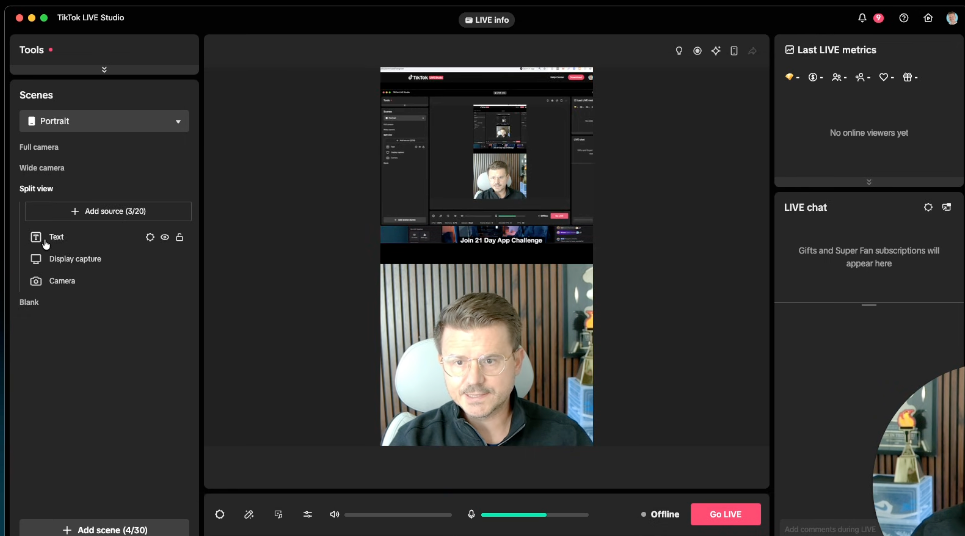
The layout setup is straightforward compared to OBS. You can do a split view with your camera and screen, select your sources, and include features like display capture and video windows. Choosing your microphone and camera is just a matter of a few clicks, and you’re set to start broadcasting.
Engaging with Your Audience
The ability to interact with your viewers via comments and live chat is vital. Positioning your elements to enhance readability is crucial. TikTok comments fill up sections fast, so arranging your video and text placements effectively helps maintain your viewer's engagement without losing clarity.
Additional Features and Going Live
One standout feature is the ability to insert links directly within your stream, which helps promote products or other content. You can add goals, view rankings, and more, enriching the interactive experience. Once your layout is set, you hit "Go Live" and testers confirm that quality remains high even with audience growth.
Analyzing and Improving Your Streams
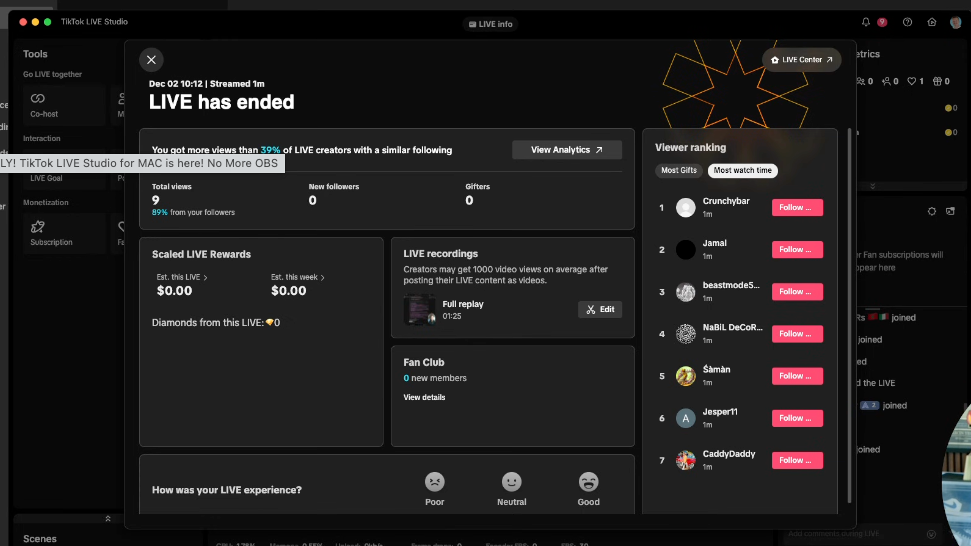
After your stream ends, TikTok Live Studio provides comprehensive analytics about viewers, interactions, and more. These insights are invaluable for improving future streams. The ease of downloading your streamed content also simplifies re-purposing for other platforms.
These features make TikTok Live Studio a preferable choice for Mac users. The streamlined experience and integration of audience engagement tools set it apart from other software like OBS. Now, you can focus more on content and less on complicated setups. Enjoy streaming!
Want to build this yourself?
Join 495+ non-technical builders in AI Builders. Start your free trial today.
Frequently Asked Questions
Visit tik tok.com/studio and follow the instructions to download it for Mac.
Marcin Teodoru
AuthorHollywood filmmaker turned AI educator. I help non-technical people build real apps with AI — no coding required. 455K+ on TikTok, 37K+ on YouTube. Founder of AI Builders, the fastest-growing VibeCoding community in the world.
Want More Tutorials Like This?
Get AI app building guides, tool reviews, and tips delivered weekly. Join 10,000+ builders.
No spam. Unsubscribe anytime.
Stop Watching. Start Building.
AI Builders is the #1 community for non-technical people building real apps with AI. Step-by-step lessons. Weekly calls. Real results.
$49/mo after trial · Cancel anytime · 450+ members
Related Tutorials

No-Code App Development Software: 5 Buying Criteria and What It Really Costs
No-code app development software explained: the 5 buying criteria that decide your pick, plus verified 2026 prices for Bubble, Zite, Softr and FlutterFlow.
Best No-Code AI App Builders in 2026: Bubble vs Zite
The best no-code AI app builders in 2026, compared honestly. Bubble vs Zite — pros, cons, pricing, and who each one suits best, in plain language.
What Is No-Code AI? A Beginner's Guide
What is no-code AI? A beginner's guide to building apps with AI without writing code — how it works, who it's for, the best free tools, and the honest limits.

How to Set Up OpenClaw: Non-technical Users' Guide 2026
Set up OpenClaw in 15 minutes with our step-by-step guide. Learn what real people are building—from automated CRMs to AI personal assistants—plus security tips and resources.